
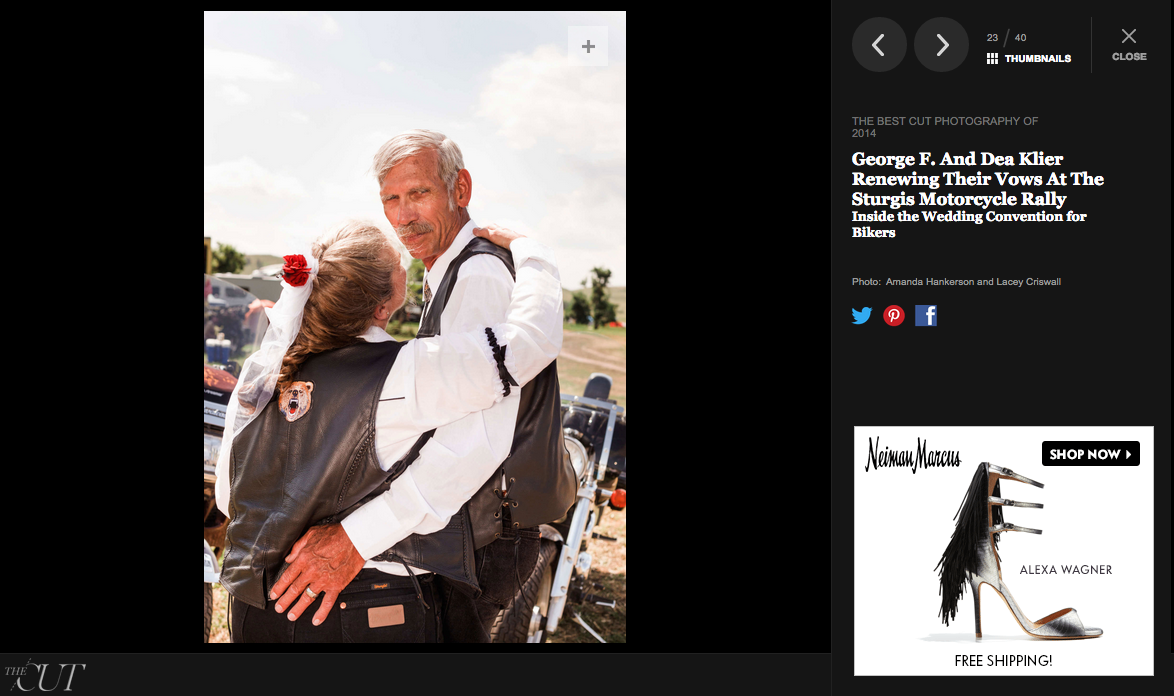
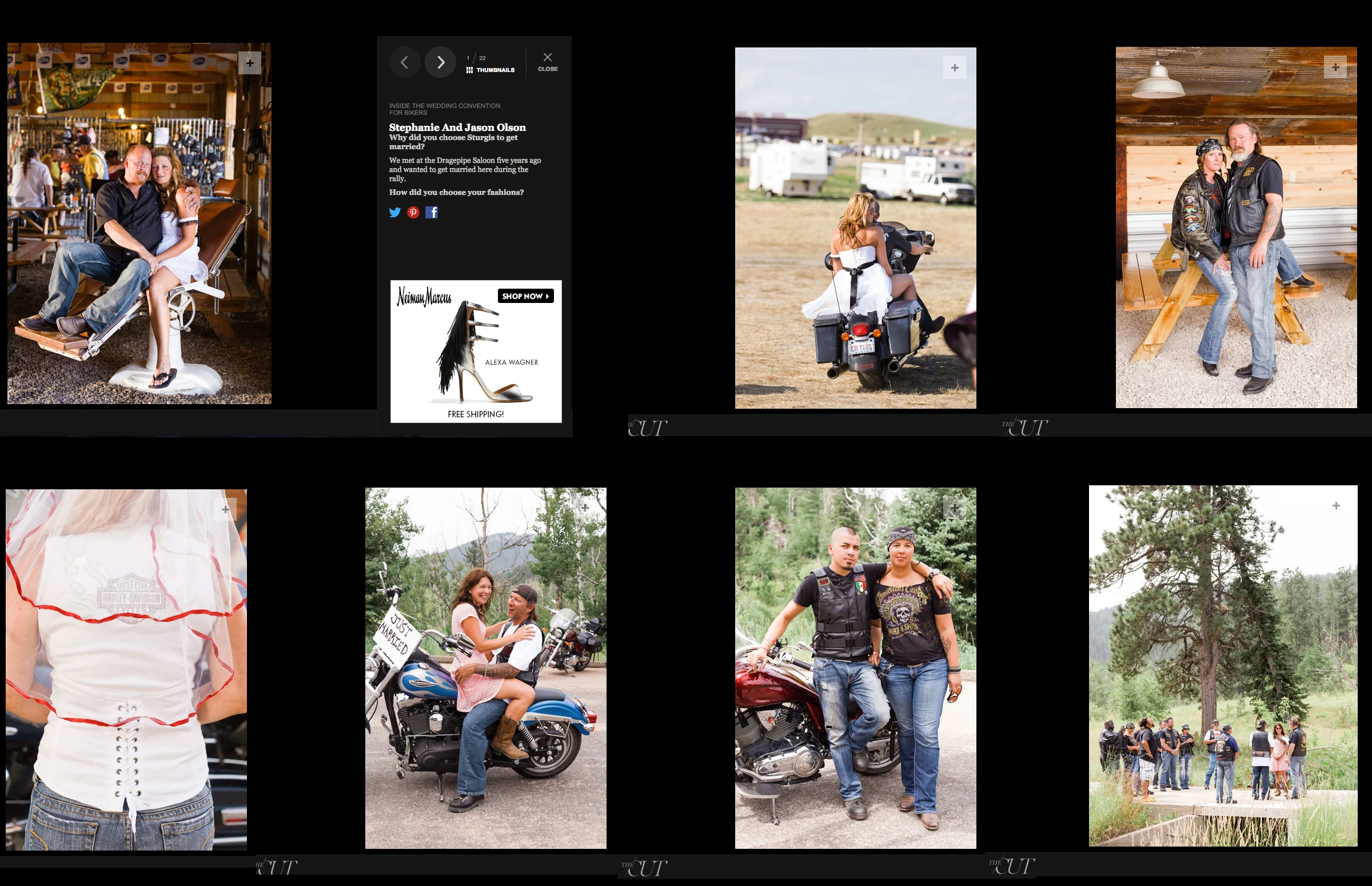
Best of photography 2014, The Cut, New York Magazine
Lace/Hanky Real Weddings Published:

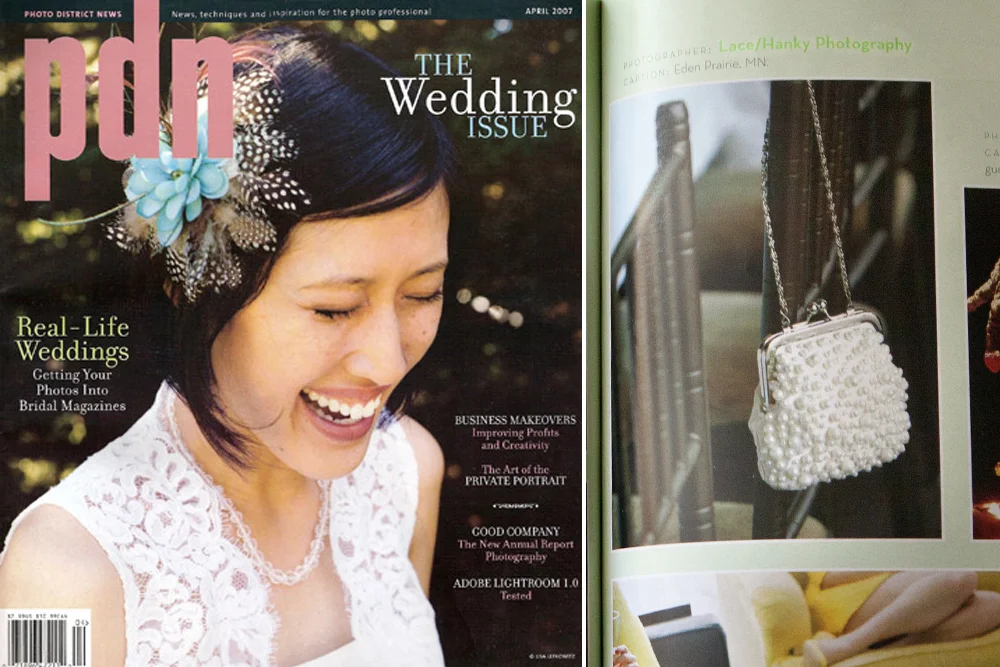
Awarded by Photo District News: Top Knots, the New School of Wedding Photography
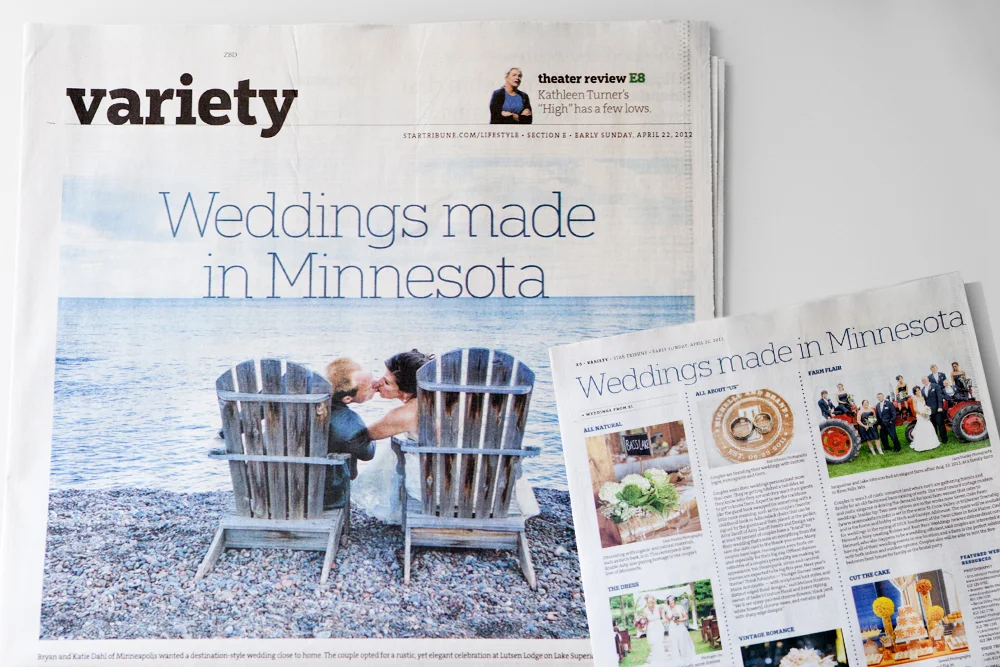
Featured in Star Tribune

How to Use This Template
Index
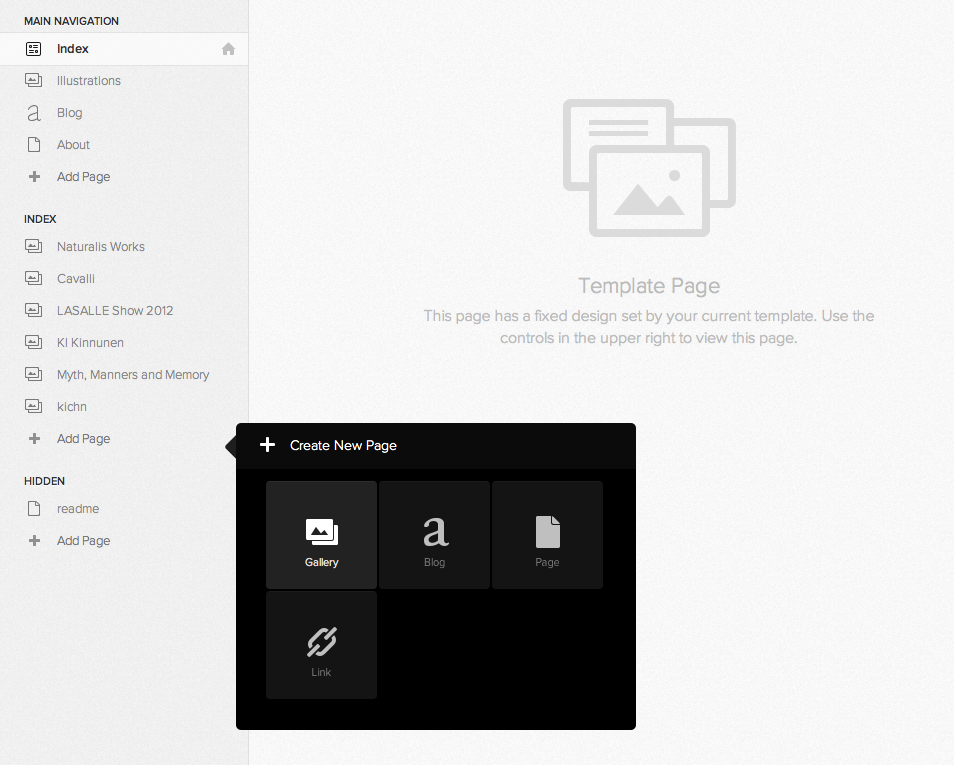
Flatiron works best with a fairly large number of galleries in the Index. To create this, add a new gallery page under the index section rather than the main navigation. Galleries that are added as pages will appear differently to galleries under the index.
Main Navigation
One-off gallery pages, blog pages, links, folders, and empty pages can all be added to the main navigation. These pages will appear in the main navigation in the left of the Header.
Gallery Details
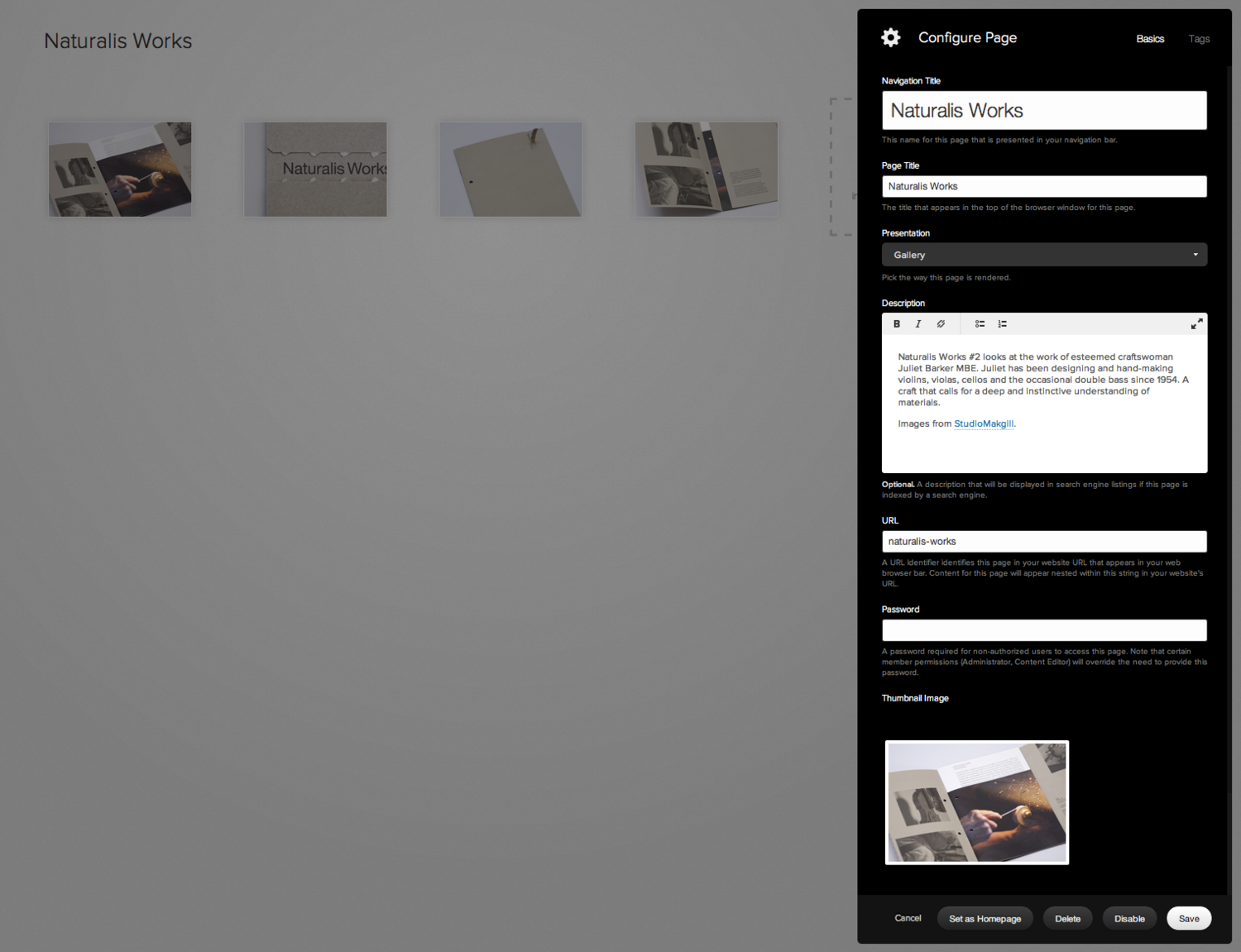
To add a title and description for any gallery (either a standalone gallery or a gallery in the Index), click into Page Settings at the top right corner of the Gallery View. The Navigation Title will appear as a link in the index navigation. The Page Title will appear at the top of the Project Description view. The Description will appear under the images in the Project Description view.
Other Layout Options
The Footer is hidden until you move your mouse over it by default. You can change this to show all the time with Autohide Footer under Options.
You can move the site title/logo to the left of the Header with Site Title/Logo Position, under Options.
The Header is set to stay at the top of the page as you scroll (Fixed). This can be changed to Normal with Header Position under Options.
